


SK
Sara Kim@growthwithsaraMar 5, 2026
+242% impressions vs prior week
ImpressionsLast 7 days
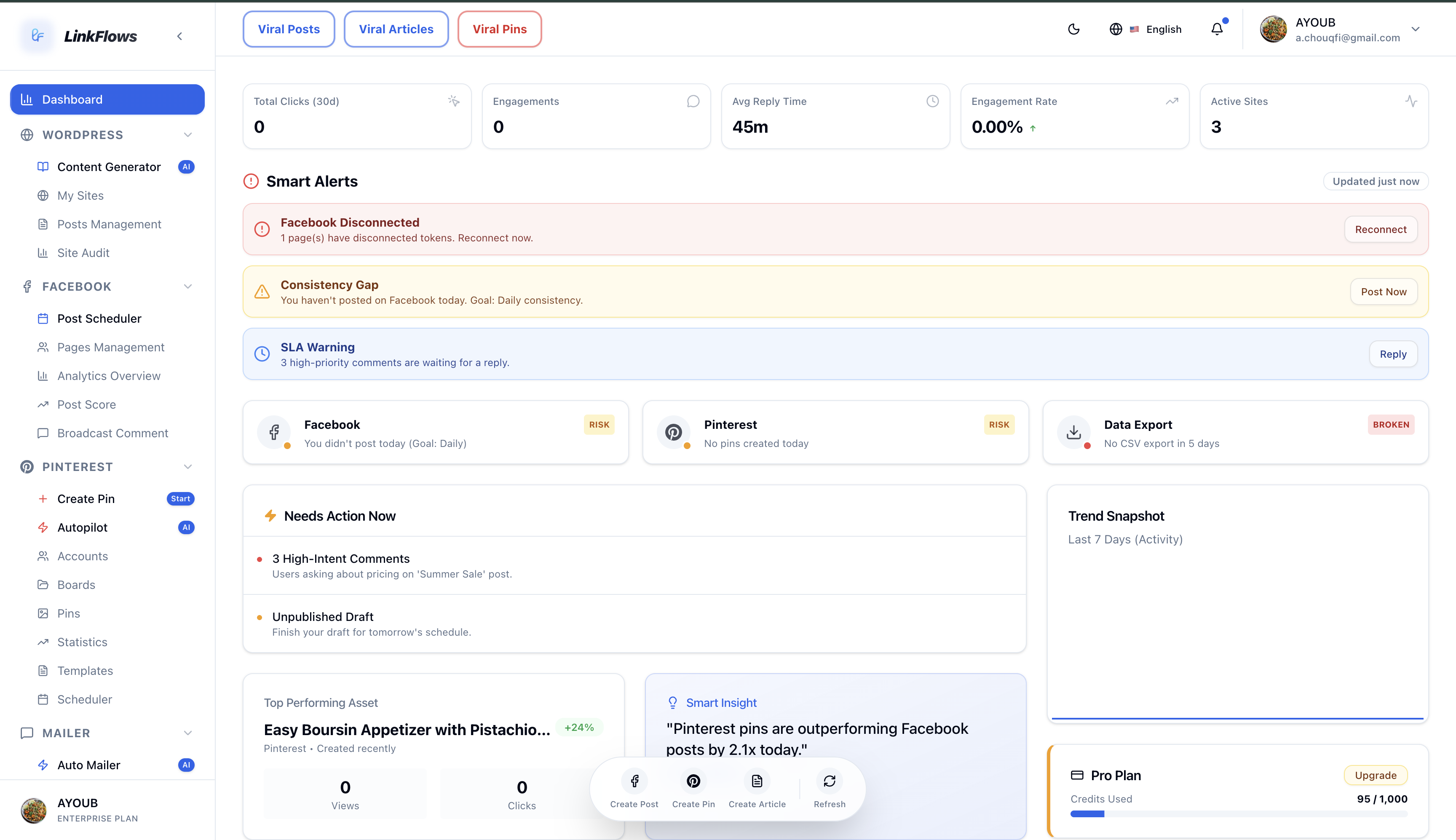
Linkflows is your AI content & social media growth agent. It writes SEO content, publishes to WordPress, pins to Pinterest, shares to Facebook, and grows your email list. Fully automated.
Built to grow with your stack
Meta Business Partner
Facebook publishing & insights

Pinterest Partner
Pins, boards & analytics

WordPress Plugins
Publish, SEO, recipe cards, roundup recipes, widgets
For store owners, creators, and growth teams

Reel ready
Summer skin, simplified.
Start for free and scale your traffic today.
Publish to


Stop juggling a dozen tabs and subscriptions. LinkFlows brings publishing, social, email, and analytics together — so you spend time growing, not glueing tools together.
See what you get — one login, the whole stack
We’ll walk you through each area of the product. Take your time, or tap a tab anytime — you’re in control.
What would you like to explore?
We rotate this tour for you — tap any tab whenever you want to skip ahead.
Why publishers love this
Your Pinterest presence keeps working while you focus on recipes, stories, and SEO — without living in the app.
Set your rhythm once: which boards, how often, and when pins go out. LinkFlows handles the heavy lifting so fresh pins land while you sleep.
“Set it and forget it.” Our #1 feature.
Pick your article, choose the right boards, and see exactly how the pin will look before it goes live. No guesswork, no rework.
On-brand layouts built for Pinterest — duplicate what works, tweak fast, and ship beautiful pins without opening another design tool.
Spot what people are searching for before it peaks. Filter by audience and geography so your next pin rides momentum, not guesswork.
Migrating or scaling? Bring hundreds of pins in at once and map titles, images, boards, and timing in a single flow — built for busy teams.
Connect the profiles that matter and keep boards tidy. Everything stays in one place so your team always publishes to the right destination.
See every pin in flight and drag your schedule into shape. One calendar means fewer surprises and a feed that feels intentional, not random.
Impressions, saves, clicks, and outbound traffic in plain language. Double down on winners and fix what’s quiet — without digging through spreadsheets.
Create polished 9:16 creatives for stories and short video moments — perfect when you want motion without a full video team.
Native-style X posts and Reddit threads — typography, colors, and controls modeled on each app (plus our video story card).
+242% impressions vs prior week
Engagement score
Rolling 14-day window
Alex Rivera
“Onboarding took 10 minutes. I was scheduling the same day.”
−6h / week on ops
+242% impressions vs prior week
Engagement score
Rolling 14-day window
Alex Rivera
“Onboarding took 10 minutes. I was scheduling the same day.”
−6h / week on ops
Auto-scrolling · hover to pause
Creator notes
Representative creator stories showing the kind of workflow LinkFlows is designed to support.
Placeholder examples — replace with verified customer feedback before publishing.
“I finally see the whole journey from recipe draft to the pin that brings people back.”
Food blogger · The Sunday Table
“The queue is clear enough for a team to review quickly and flexible enough to keep our voice.”
Pinterest manager · Northstar Kitchens
“LinkFlows helps me keep publishing without turning every new post into a new admin project.”
Travel creator · Field Notes Europe
“The best part is the continuity. My article, social posts, and results are still connected.”
Content lead · Tiny Team Press
“I can spot which stories deserve a follow-up instead of guessing from vanity numbers.”
Newsletter publisher · The Practical Edit
“The system gives me enough structure to stay consistent while leaving room for the creative work.”
Solo creator · Build In Public
“Our team spends less time reconciling tools and more time improving the actual content.”
Editorial director · Everyday Atlas
“It is easier to try a new angle when the work needed to schedule and measure it is already visible.”
Digital publisher · The Maker Journal
Straight answers about LinkFlows, privacy, and getting started.
Have questions about LinkFlows or your content workflow? Send us the details and our team will reply by email.
Email Us
support@linkflows.com
Contact form
Support by email
Include the channels, site, or workflow you are working on so our team can point you to the clearest next step.